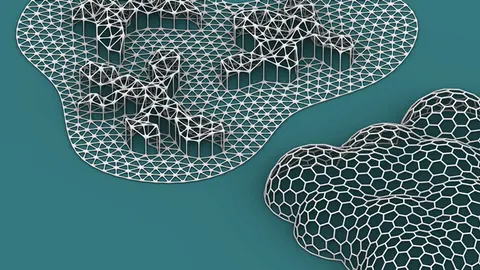
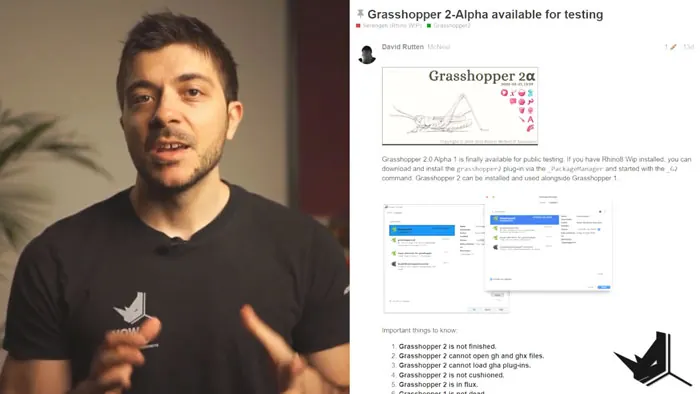
On April 1st David Rutten, who is the founder of Grasshopper, made an announcement on the McNeel forum that Grasshopper 2 became open for public testing. Although some may have thought that this was an April Fool's joke, Grasshopper 2 is real! And it's here to further revolutionize the 3D design space. In this post, we're going to walk you through Grasshopper 2 features.
Grasshopper 2 is not Finished
Before we dive into Grasshopper 2 features, we must note that this is not a finished product as of yet. It is open for public testing, but it certainly isn't the final version. The finalization timeline remains unknown, and we are wondering if it might coincide with the Rhino 8 release.
Many components are missing from this first version. However, this is not because they won't be available at some point, but because they haven't been finished yet.
Evidently, Grasshopper 2 has potential, but what remains for us as user is to be patient and await the finalized version.
Code Base
New Code Base Advantages
One of the Grasshopper 2 new features is the new code base. It was created from scratch to facilitate multi-thread processing and introduce the new mathematical tools. Additionally, it includes the ability to hold metadata within the components.
This will enable us to attach material properties to different shapes and geometries, which will obviously enhance data organization.
New Code Base Limitations
On the downside, with the new code base we have certain limitations. To clarify, existing Grasshopper 1 files will initially not be compatible with Grasshopper 2. Also, the existing plugins won't work within Grasshopper 2, which might be a setback for some users.
In spite of the limitations, what must be remembered is that the development of Grasshopper 1 will continue respectively. More to the point, we will be able to use the two version simultaneously and further experiment with the flexibility of the software.
Grasshopper 2 Installation
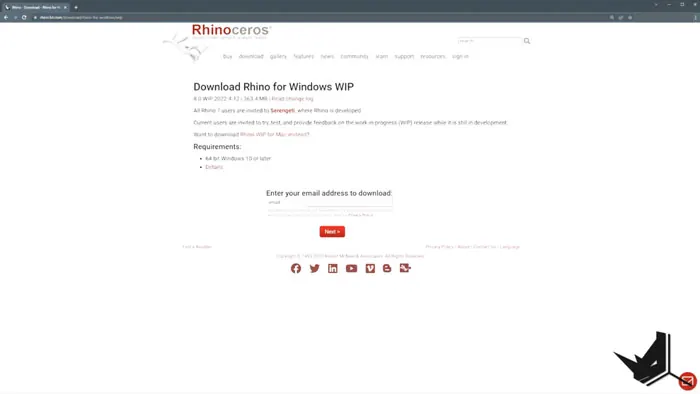
The process of installing Grasshopper 2 is pretty straightforward. Start by downloading the Rhino 8 WIP (work in progress) version from the Rhino 8 download page.
Once it downloads, open it, go to the Package Manager and click on "Include Pre-releases".
If you type "Grasshopper 2", then you will be presented with option to install the latest Grasshopper 2 version.
Navigating the New Interface
By typing "_G2" after launching Grasshopper 2, we will see the distinct changes in the Grasshopper canvas and its graphics.
It now includes different functions where some of them are already familiar to users, whereas other are a part of the new design.
We must note that the quality of the interface has significantly improved. The icons are vector-based, which means they won't be breaking or pixelating when zoomed in or out.
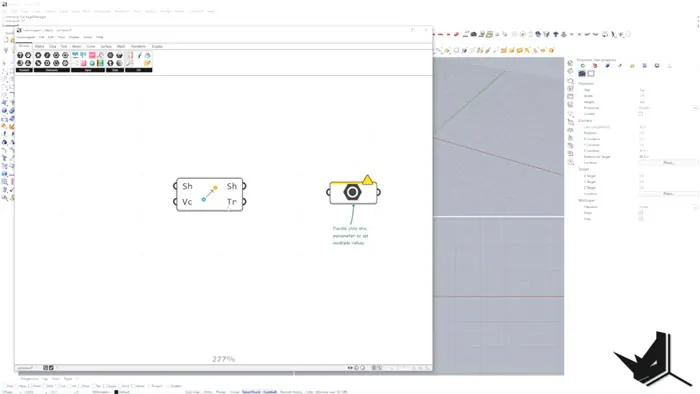
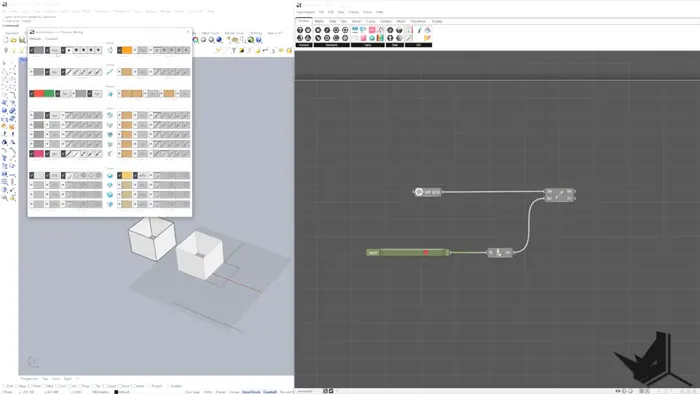
There is a variety of preview models, giving us also the possibility of a dark mode.
Innovative Features of Grasshopper 2
Now we're going to dive into some of the Grasshopper 2 new features. There are several changes that make it stand out from its predecessor. Markedly one of them are the changes in the function of wires. For instance, we can now select several wires at the same time, and break up the connection with more ease.
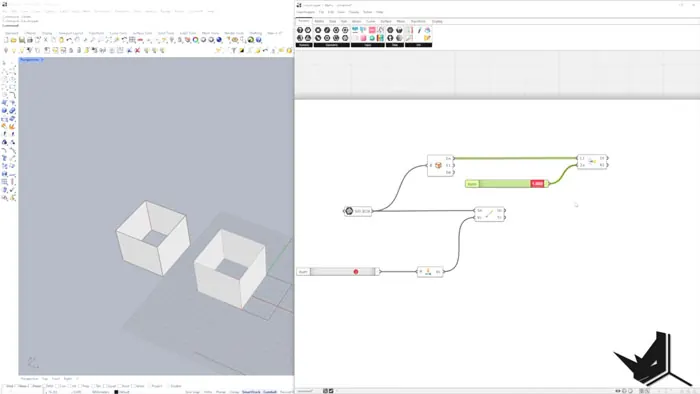
There's also an introduction of 'modifiers' that replace the old graft and flatten functions.
As I have mentioned earlier, we have new preview modes which allow us to control the visual output. We can turn of the preview, make the wires invisible, and furthermore, use a ghosted mode. Additionally, we can toggle between the light and dark modes for the canvas.
Compatibility of Grasshopper 1 and 2
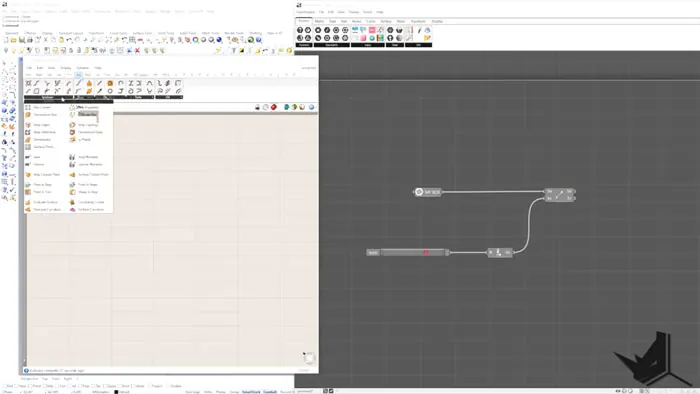
The most exciting feature to note is the compatibility of Grasshopper 2 and 1. With this, we are able to use Grasshopper 1 commands in Grasshopper 2, which is a great workaround for the limitations of the latest developments.
Final Thoughts
The latest developments of Grasshopper 2 are definitely a massive step towards the future of 3D modeling and design. The new and refreshing look is promising, along with the innovative features and functionalities. Although it is still in the testing stage, the user community feedback will be essential in the further developments.
We encourage you to explore the new version and she your experience! Your feedback may shape the future of Grasshopper 2. Feel free to share your thoughts down below in the comment section.

Grasshopper Complete Course
Give your architectural skills a boost with the Grasshopper Complete Course. Get over 50 hours of comprehensive Grasshopper training tailored for architects. Learn to generate and iterate designs faster. Click below for more information and streamline your workflows!